Turn your images into cinematic video scenes
The 86-page guide to how I direct AI video: camera moves with a reason, shots that cut together, real acting, continuity and sound.
Works with Seedance, Kling, Veo and any image-to-video model
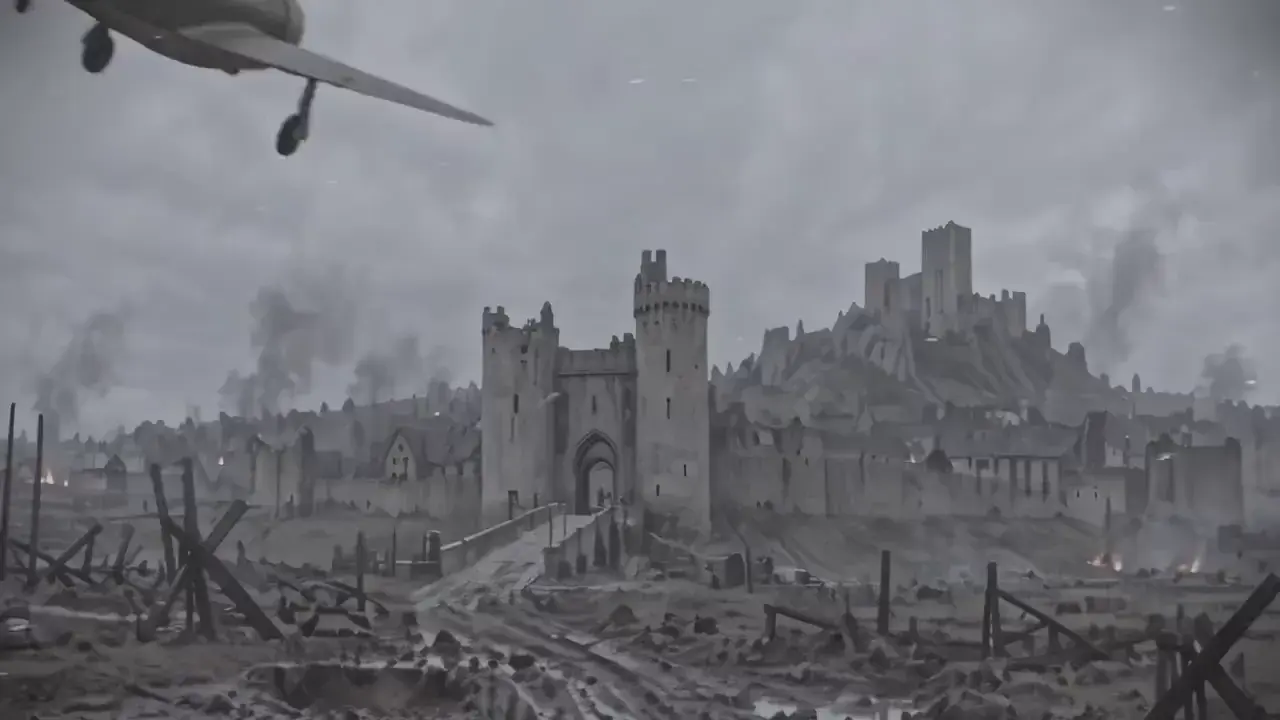
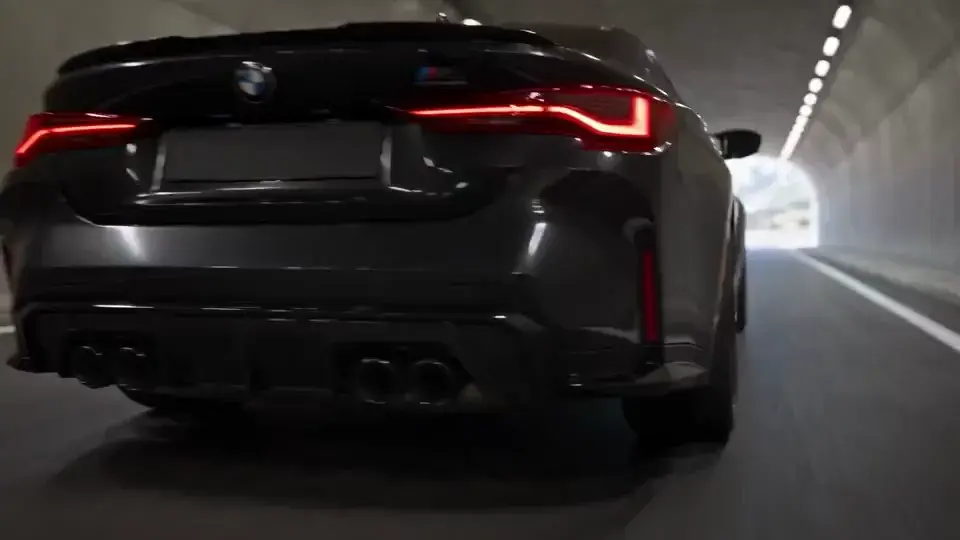
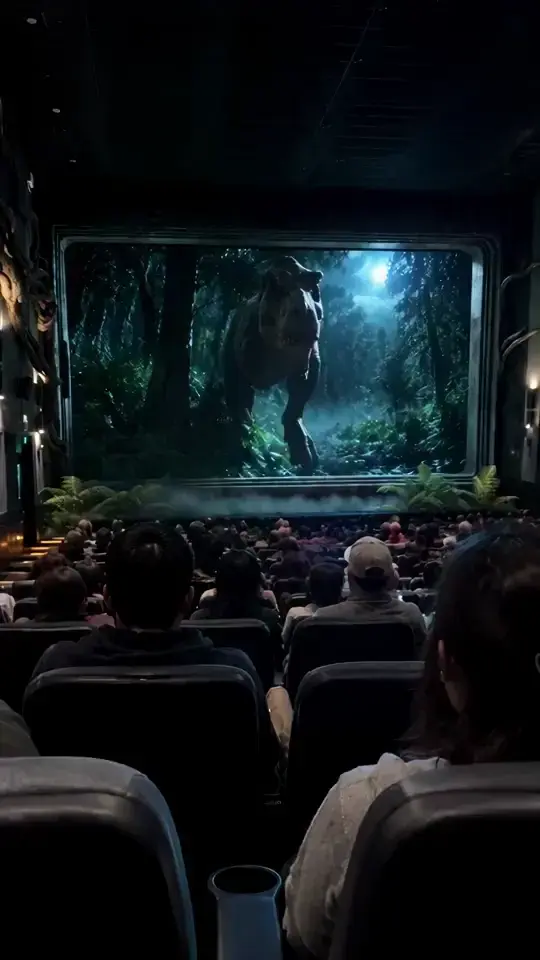
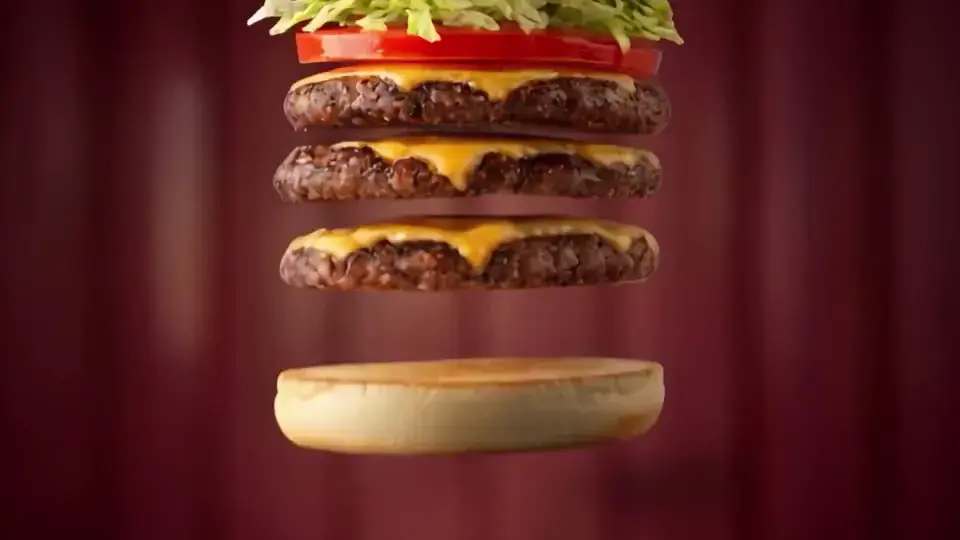
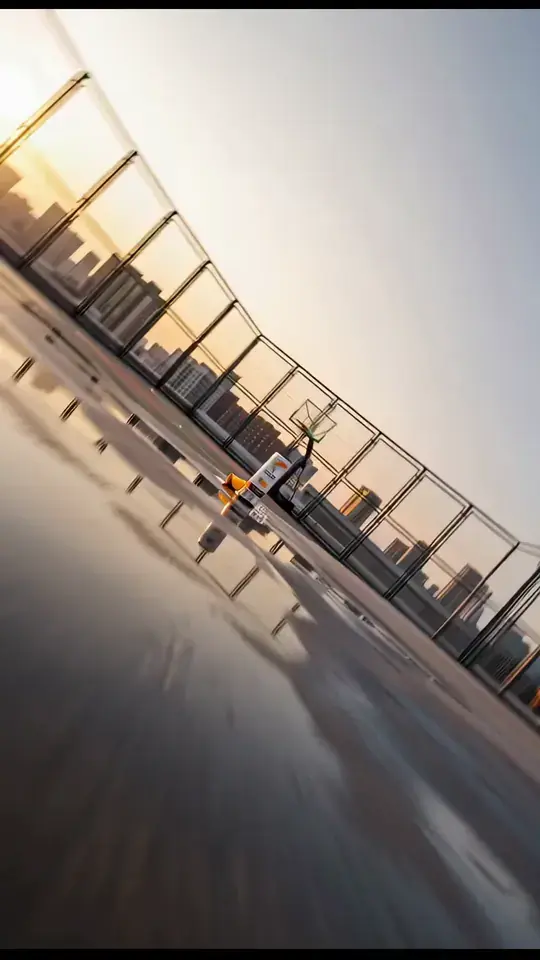
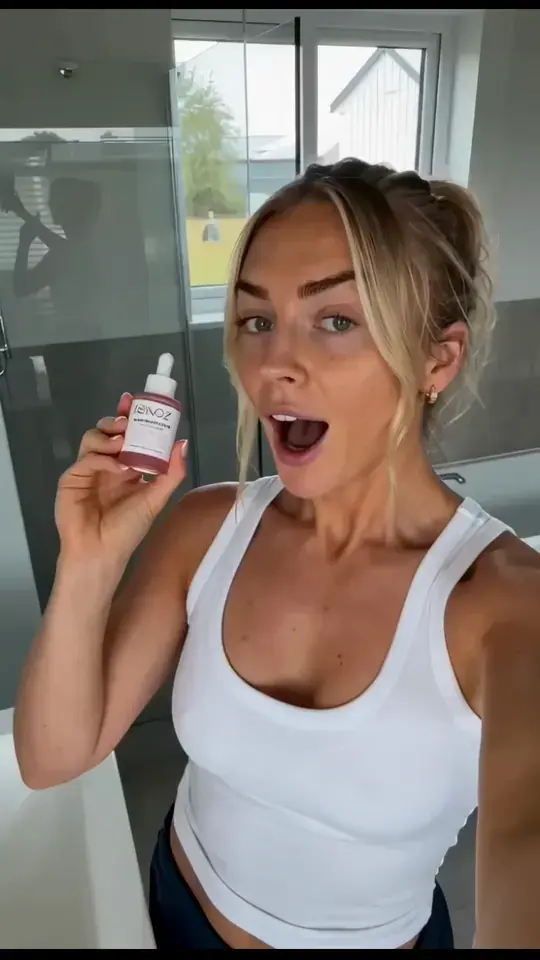
A clip is not a scene.
Any model will give you fifteen seconds of moving pixels. A scene needs a camera with a reason to move, shots that cut together, actors who act and sound that makes it real.
- ✕A camera that driftsIt floats and zooms at random, so nothing feels directed.
- ✕Mannequins, not actorsDead eyes, stiff faces, lips that don't match the words.
- ✕Things that jumpA glass changes hands, a door moves, the light flips between shots.
- ✕Shots that don't cutEvery clip looks fine alone and wrong next to the others.
- ✕Dead air and silencePadded clips where nothing happens, and no sound to sell it.
From a still frame to a living scene.
The video starts on the still image. Then it moves.
One still. A whole brand moment.
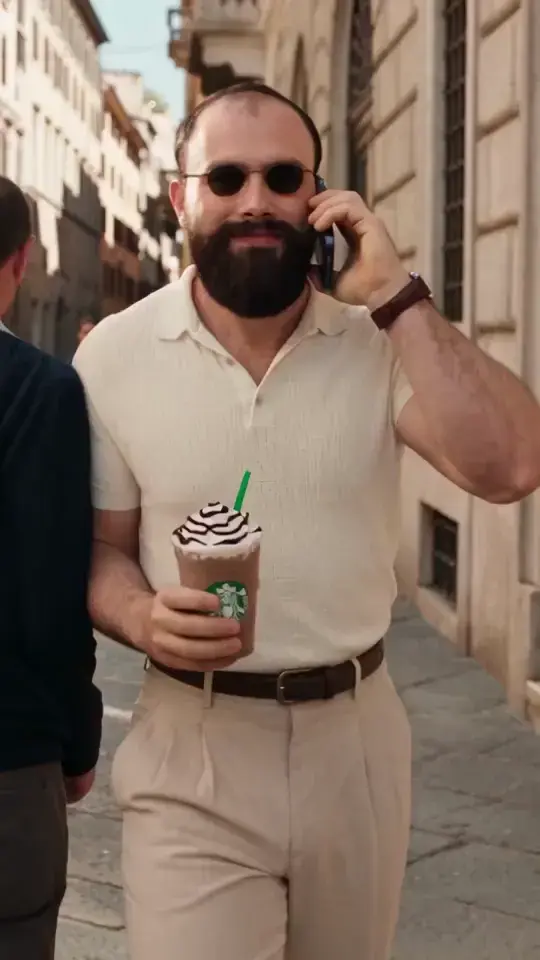
A man, a coffee and a city street. From a single image the scene plays out, with every beat planned before generation.
- 0:00The still frameLight, wardrobe and product, locked in one image.
- 0:01The camera finds its moveIt pushes in with a reason, not at random.
- 0:04Bullet timeThe phone, the glasses and the cup hang in the air while the camera keeps moving.
- 0:08The product landsThe logo stays sharp and on brand to the last frame.
Direct AI video like a film.
Not like a slot machine.
16 chapters. One way to direct.
Three parts, in the order you make a scene: direct it, control it, finish it.
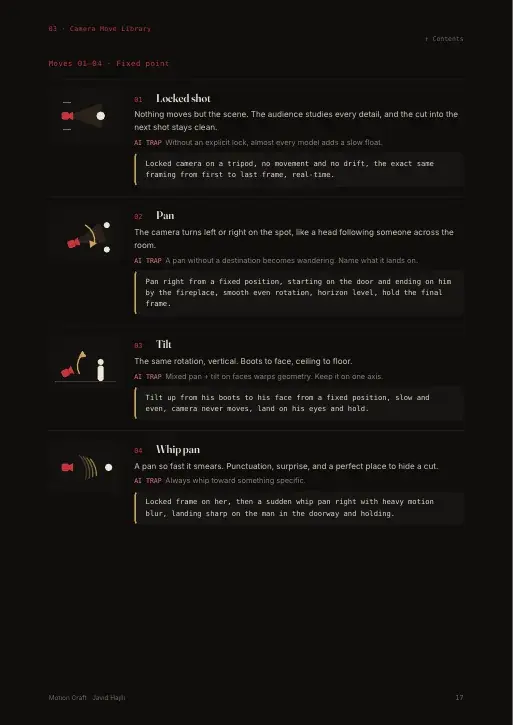
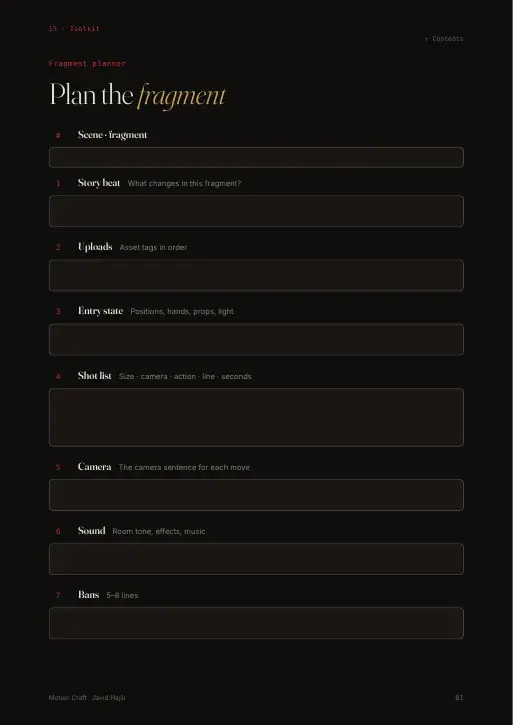
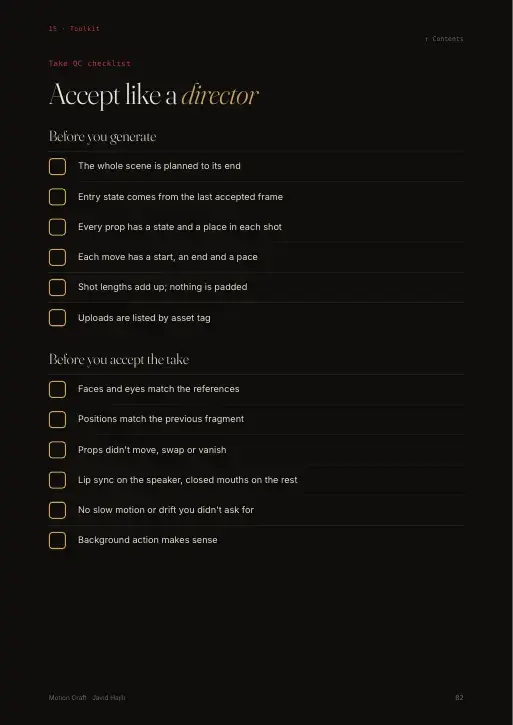
Real pages from the guide
Direct
Plan the shot before you generate
- 00Still to Motion
- 01Choosing the Model
- 02The Motion Prompt
- 03Camera Move Library
- 04Moves With a Motive
- 05Timing & Beats
Control
Make the shots work together
- 06Coverage & Cutting
- 07Performance & Dialogue
- 08Continuity in Motion
- 09References & Control
- 10Editing AI Footage
Finish
Sound, polish and real projects
- 11Sound
- 12Finishing
- 13Case Study
- 14Template Library
- 15Toolkit
Everything you need to direct the scene.
you already use
Scenes, not clips.
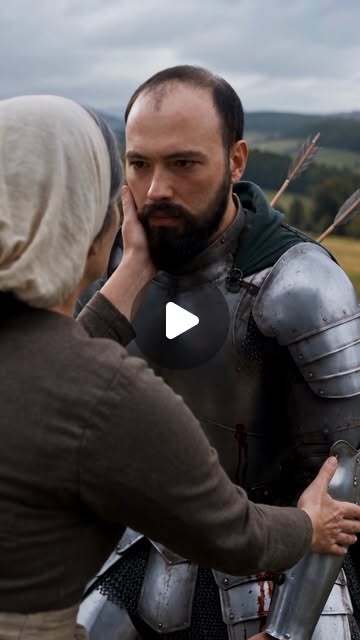
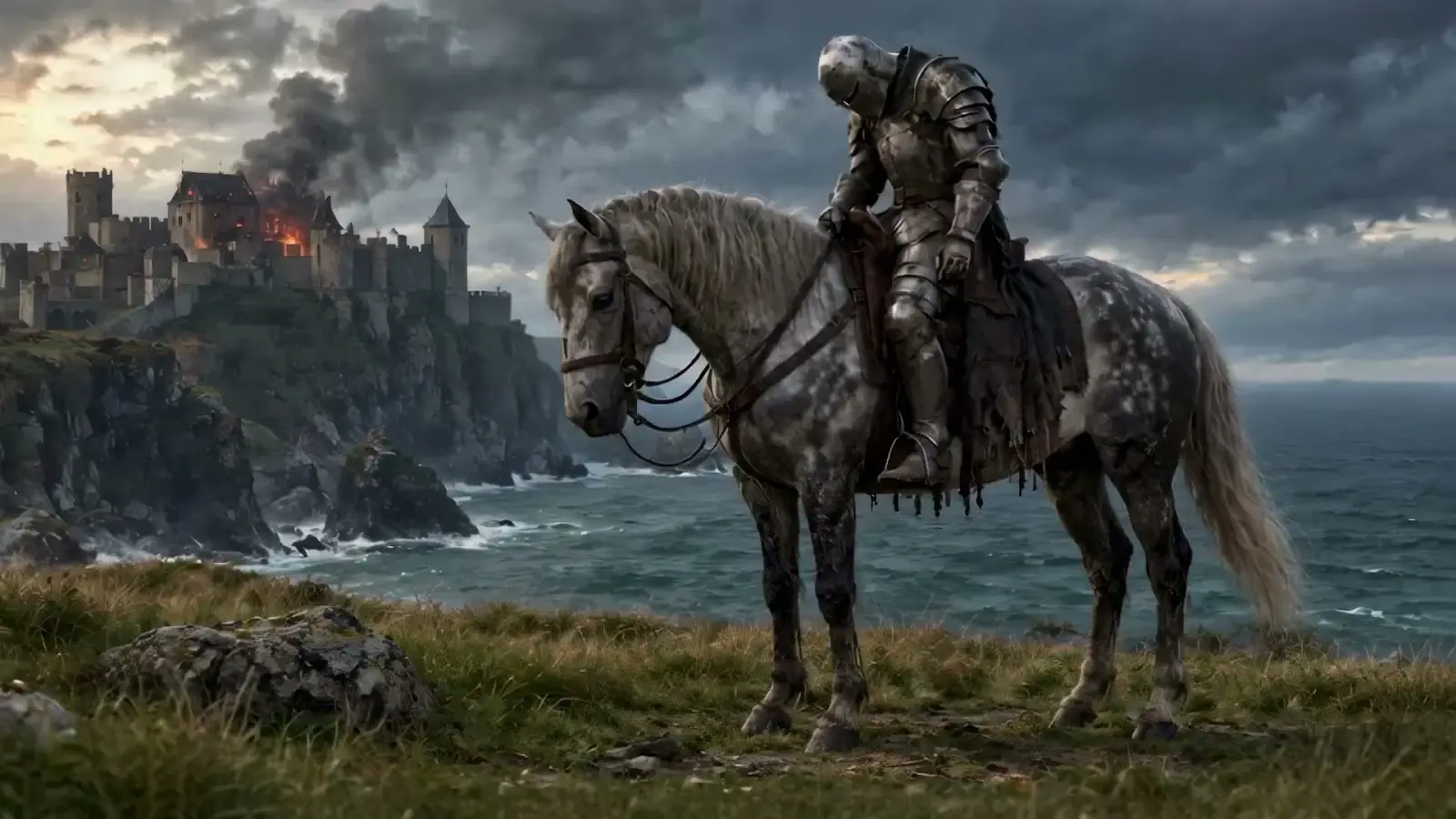
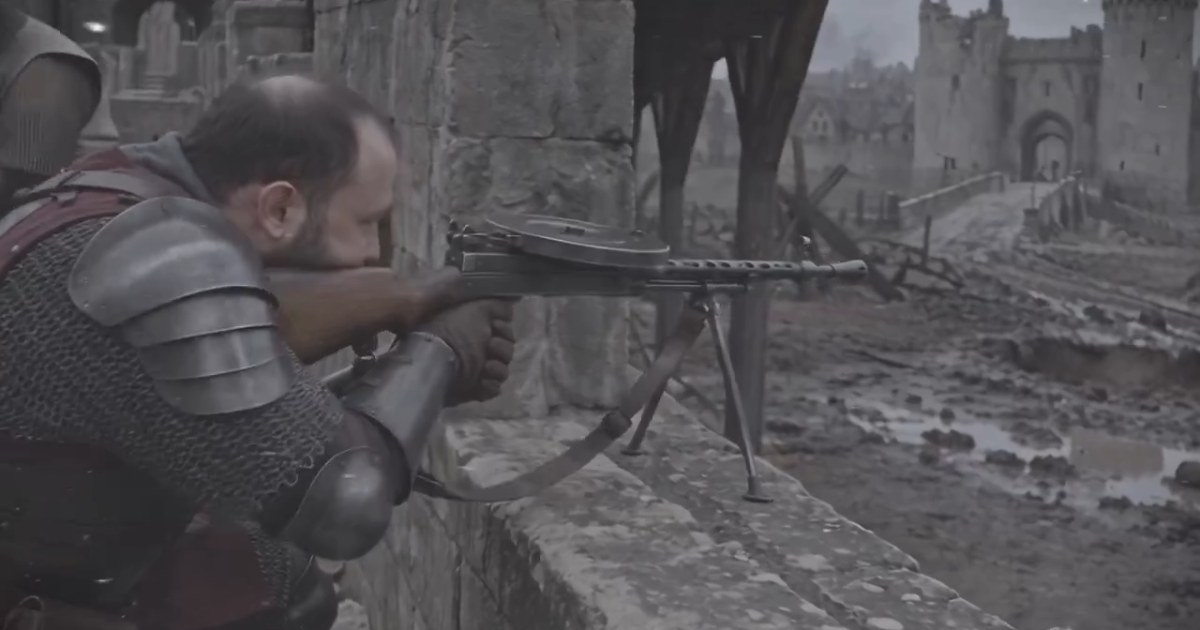
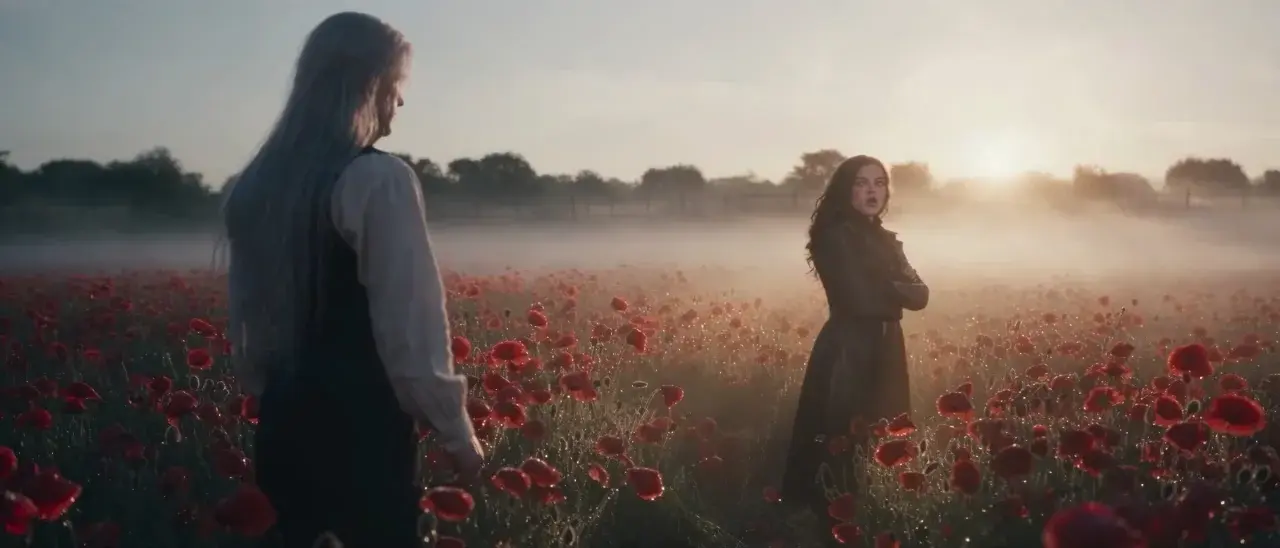
Brand ads, short films and stories I directed with the system in Motion Craft.
Over 1.3 million views on my AI films.
Instagram Reels and a series episode on a TV channel's YouTube. Real numbers from real viewers.
Made for people who want scenes, not luck.
Motion Craft is for you if
- You make AI images and want them to move like cinema
- You create video ads for brands, clients or your own products
- You're making an AI short film, series or music video
- You're tired of paying for takes you throw away
- You finished Frame Craft and want the next step
It's not for you if
- You want one magic prompt to copy and paste
- You don't want to plan your shots before you generate

Hi, I'm Javid.
I direct films with AI.
I produced a 24-minute AI episode for a TV channel on YouTube, with dialogue, action and eight characters who stay the same in every shot, and I make AI video ads for brands.
Motion Craft is how I direct every scene, written down step by step so you can use it too.
See my work →Good to know
When does Motion Craft come out?
Very soon. Leave your email below and you'll be the first to know when it opens.
How much will it cost?
The price is announced at launch. People on the list hear first.
Do I need Frame Craft first?
No, but they work best together. Frame Craft gets you a strong still frame. Motion Craft starts there and makes it move.
Which AI tools does it work with?
Seedance, Kling, Veo and any model that turns an image into video. Models change every few months. Directing doesn't.
What format is it?
An 86-page interactive PDF. Read it on any device. The shot planner and checklist work inside the file in Chrome, Edge or Adobe Acrobat.
Is there anything free to start with?
Yes. First Frame is a free starter kit. Get it on the Learn page →
 Coming soon
Be first when
Motion Craft opens.
Join the list and you get:
- The launch email the moment Motion Craft opens
- A ready-to-use prompt every month, from my real projects
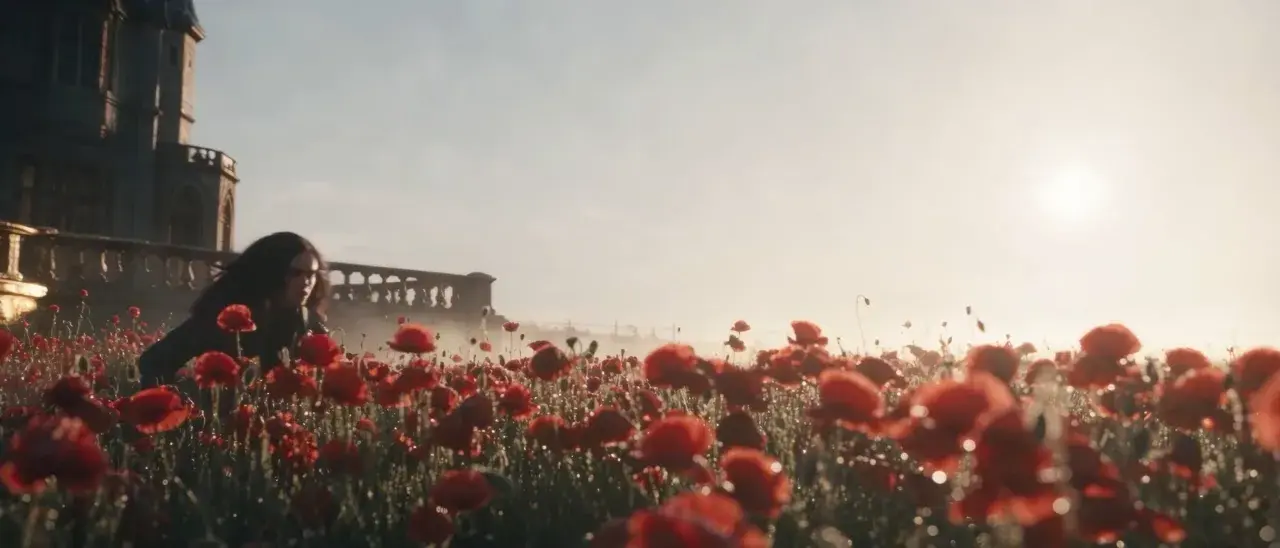
- New work first: new Scarlet Oath episodes and projects before they hit Instagram
No spam. Unsubscribe anytime.
Want to start today? Get First Frame free →